

Integrations and APIs
Make your systems work together.
StudioRav builds integrations and APIs that connect your website or online store to the systems behind it, such as ERP, CRM, warehouse, accounting and courier tools. We map the data, build reliable syncs with error handling and monitoring, and hand over documentation, so your team stops re-keying orders and stock.


What we connect
Which systems can StudioRav integrate?
Most projects link a website or store to two or three back-office systems. We work with the tools you already run rather than asking you to replace them.
Store to ERP
Orders, customers, stock and prices moving between your store and your ERP.
Store to CRM
Customer and order data in your CRM, ready for sales and service teams.
Warehouse and fulfilment
Pick, pack and stock levels kept in step with what customers see.
Accounting
Invoices, payments and tax data passed to your accounts package.
Couriers and shipping
Labels, tracking numbers and delivery status without copy and paste.
Marketplaces
Listings, stock and orders aligned across channels.
Product information (PIM)
One source of product data feeding every channel.
Custom and legacy systems
APIs and adapters for older or in-house tools with no modern connector.
Integrations sit behind Shopify, WooCommerce and ecommerce builds, and underpin AI and automation workflows.
Accounting and feeds
Can your website connect to your accounting software and product feeds?
We connect websites and online stores to accounting systems such as Zoho Books and Xero, and publish product feeds to Google Merchant Center and marketplaces. The aim is fewer manual entries and fewer mismatches between what you sell and what you record. What is possible depends on the APIs each platform exposes, and we confirm that before quoting.
Invoices and customers
Sync customers and invoices between your website, store or CRM and Zoho Books or Xero, so orders are not re-keyed by hand.
Payments and reconciliation
Record payments against the right invoice automatically, with anything that does not match flagged for a person to check.
Google Merchant Center feeds
Keep product titles, prices, stock and identifiers in step with your store so your listings stay accurate.
Marketplace and data feeds
Structured product and stock data for marketplaces and other channels, in the format each one asks for.
Good feeds work best alongside solid SEO basics. For store-specific work see ecommerce development, and for anything the standard connectors cannot do, custom development.
How it is built
How does a reliable integration work?
Events from one system are received, queued, mapped to the shape the next system expects, and delivered with retries. Every step is logged so problems can be found and replayed.
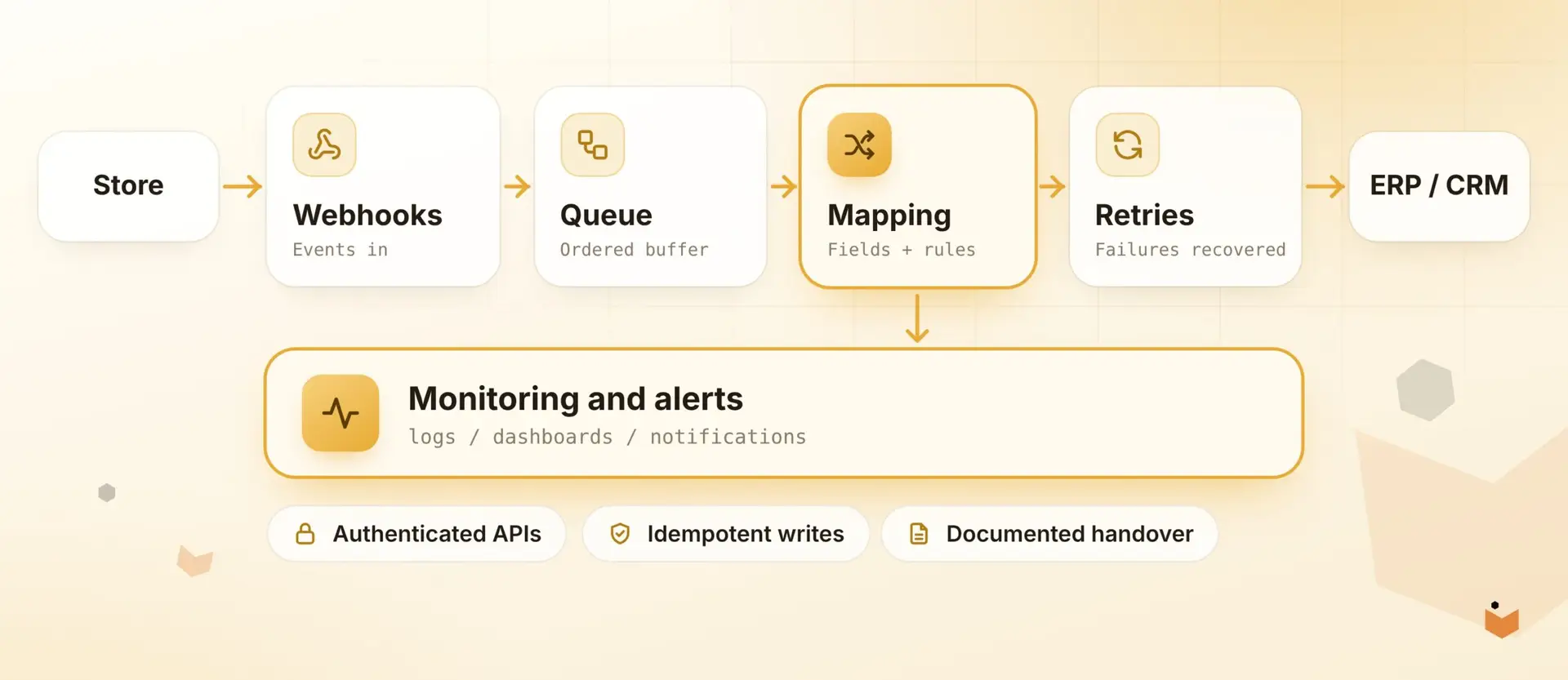
Webhooks or scheduled sync, chosen to suit each data type
Data mapping documented so field changes are not guesswork
Secure authentication and least-privilege access

Illustrative, not live data
Monitoring
What happens when a sync fails?
Failures are retried automatically, then flagged to a person with enough detail to fix them. Events that failed can be replayed once the cause is resolved, so nothing is silently lost.
Logs showing what was sent, when and what came back
Alerts to email or Slack when retries run out
Replay for failed events after a fix
Need a wider system rebuilt instead? See custom development for portals and internal tools.
How projects work
How does an integration project work?
Five stages, each with a clear output you can review. Mapping is where most of the thinking happens.
1
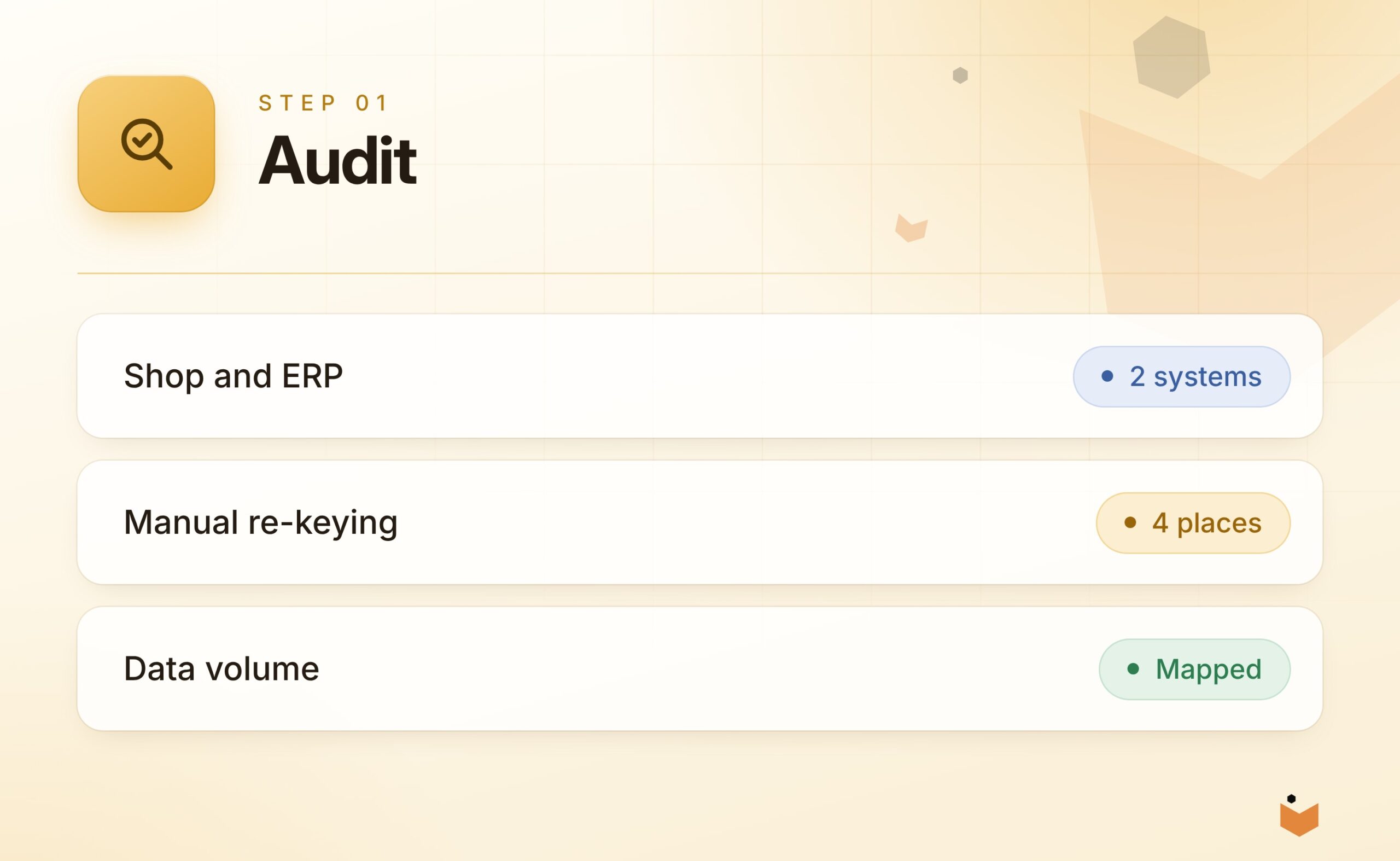
Audit
List the systems, the data that moves and where staff re-key it today.
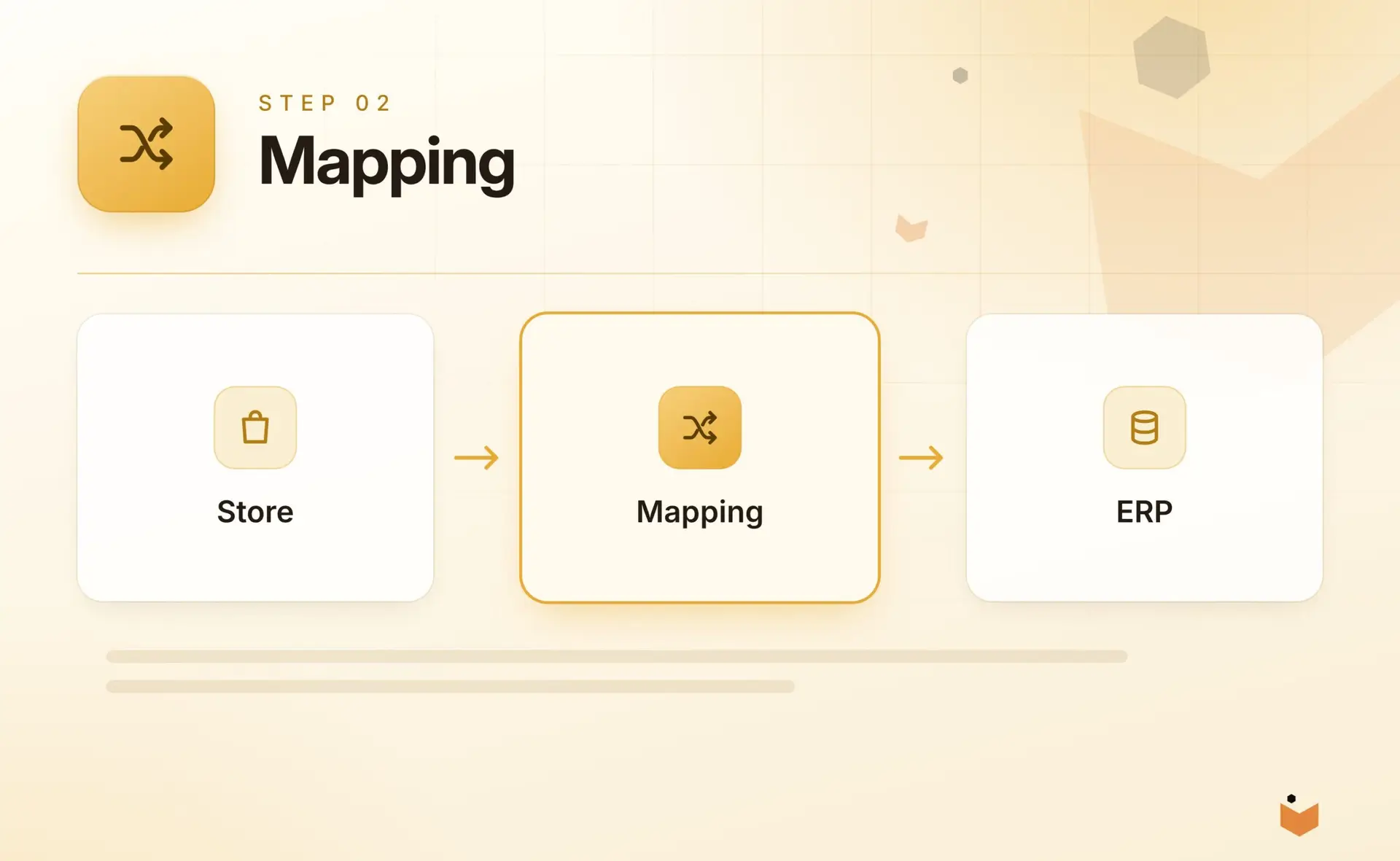
Mapping
Agree which system owns each field, and how values translate between them.
2
3
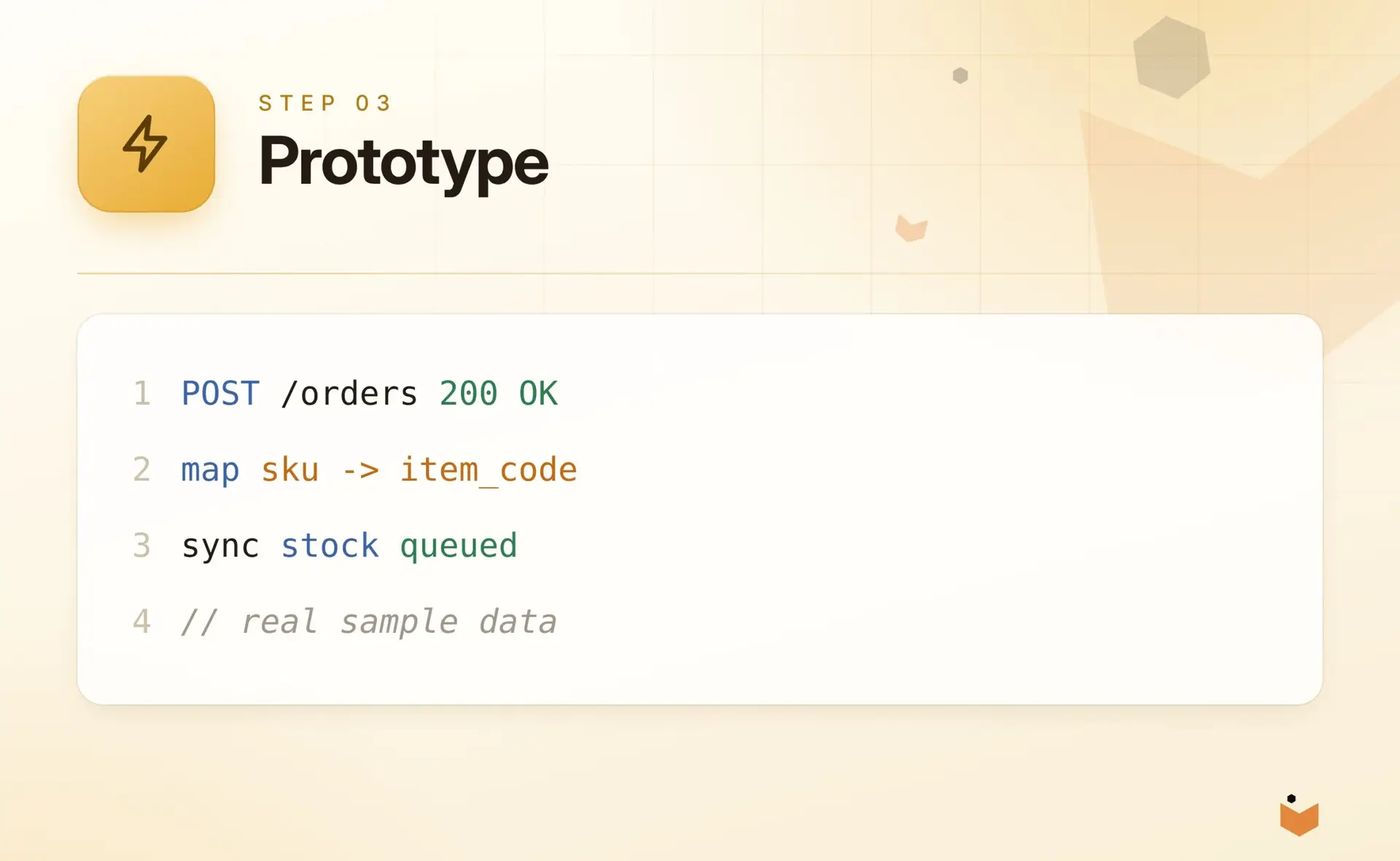
Prototype
Prove the riskiest connection on real samples before building the rest.
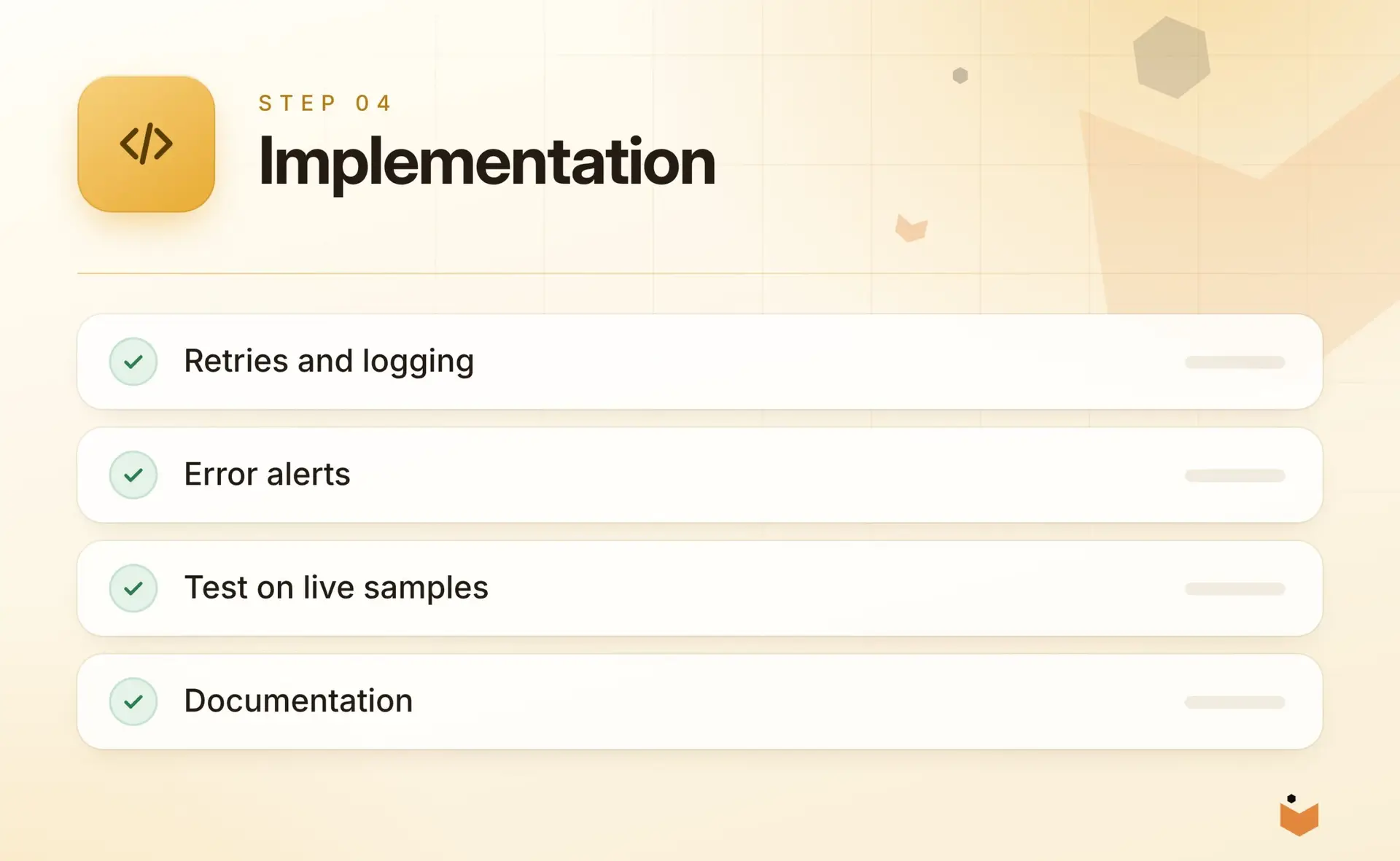
Implementation
Build, test and document the sync with error handling in place.
4
5
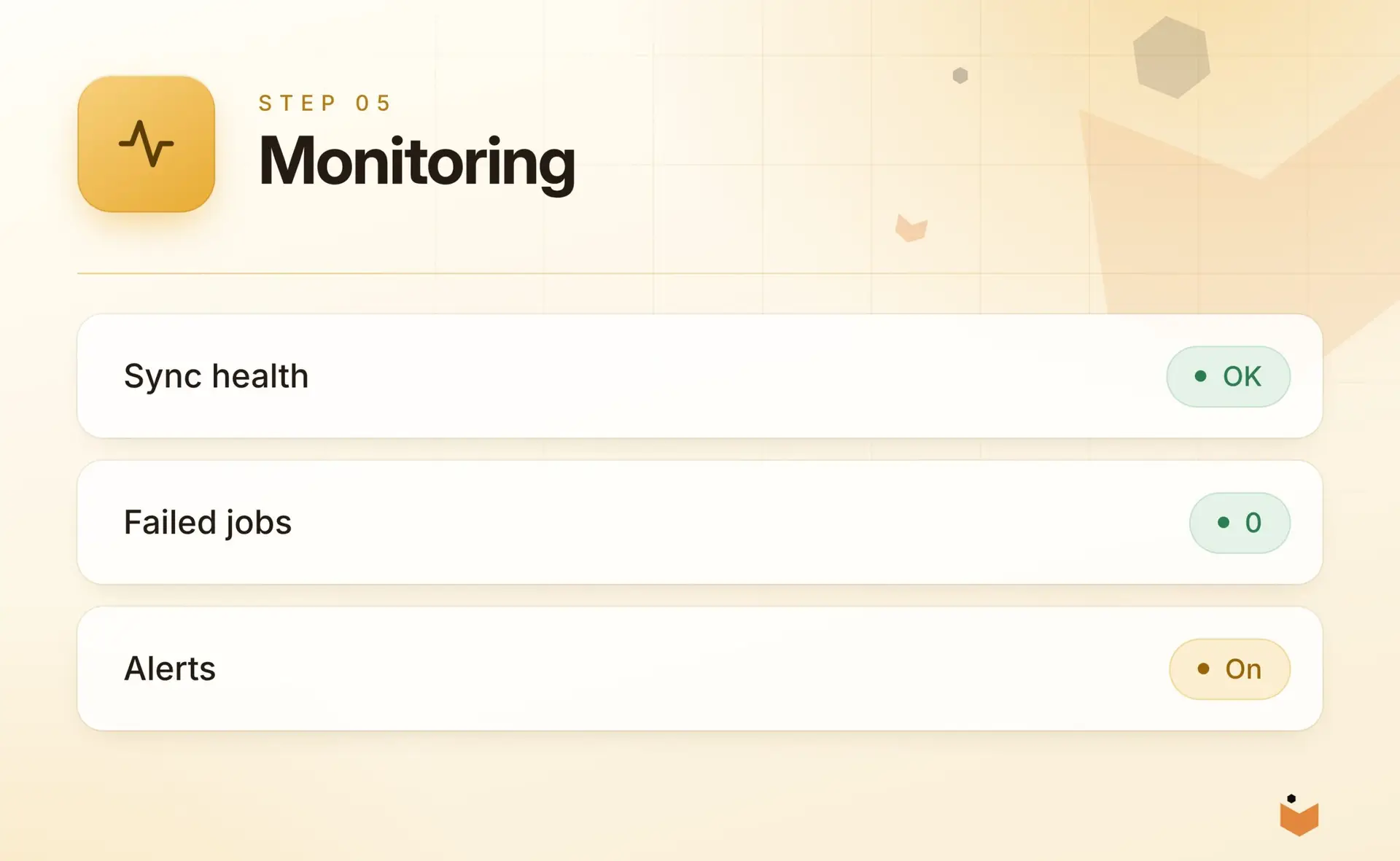
Monitoring
Go live with logs and alerts, then review after the first weeks.
Related services
Where integrations fit with the rest of what we do
Ecommerce Development
Catalogues, checkout and order flows engineered for performance on any platform.
Learn more
AI & Automation
Practical AI and workflow automation applied to specific jobs, with people in the loop.
Learn more
Custom Development
Bespoke applications, portals and internal tools where off-the-shelf software does not fit.
Learn more
Development Partnerships
Senior engineering capacity for agencies and in-house teams.
Learn more
FAQs
Integration questions, answered
What is the difference between an integration and an API?
An API is the interface a system exposes so that other software can talk to it. An integration is the working connection built on top of one or more APIs, including data mapping, error handling, logging and monitoring, so information moves between your systems reliably.
Can you integrate with software that has no API?
Often yes. Options include file exchange, database access, scheduled exports or a small adapter, and we also build APIs and adapters for older or in-house tools with no modern connector. We assess what is safe and supportable for each system before recommending an approach.
How do you keep data accurate between systems?
We agree which system owns each field, document the mapping so field changes are not guesswork, and log every event, including what was sent, when and what came back. Mismatches raise alerts for a person to check instead of being overwritten silently.
What happens if an integration breaks?
Failed events are retried automatically, then flagged to a named person with enough detail to fix them, by email or Slack. Once the cause is resolved, failed events can be replayed, so orders and stock updates are not silently lost.
Do you use middleware or build custom?
Either. Where a reliable connector exists we will say so. Where logic is bespoke or volumes are high, custom code is usually easier to maintain. We choose between webhooks and scheduled sync to suit each data type. See our custom development service.
Can you connect our website to Zoho Books or Xero?
Usually, yes. We can sync customers, invoices and payments between your website, store or CRM and Zoho Books or Xero, and publish product feeds to Google Merchant Center. What is possible depends on the APIs each platform exposes, so we confirm scope before quoting.
How do we start?
Contact us with a list of the systems involved and the manual steps you want to remove. We usually begin with a short audit of the systems, the data that moves and where staff re-key it today, then prototype the riskiest connection first.
Talk through your systems.
Tell us what needs to talk to what. A senior developer will reply with an honest view of the best way to connect it.