
AI and automation
Put AI and automation to work on real jobs.
StudioRav applies AI and workflow automation to specific, measurable jobs in UK businesses, such as product data enrichment, document processing and support triage. We choose plain automation where it is enough, add AI where judgement is needed, keep a person reviewing the output, and connect it to the systems you already use.


Use cases
What can AI and automation do for your business?
We focus on narrow jobs where the input, the output and the check are all clear. That keeps the work measurable and the risk low.
Product data enrichment
Draft titles, descriptions and attributes from supplier data, for a person to approve.
Classification and tagging
Sort products, enquiries or documents into categories your team already uses.
Knowledge search
Let staff ask questions of your own documents and get sourced answers.
Document processing
Extract fields from invoices, orders and forms into your systems.
Support assistance
Suggest replies and route tickets, with an agent sending the final answer.
Internal agents
Small, scoped assistants that handle repetitive internal tasks end to end.
Automation works best when it can reach your data. See how we connect AI workflows to your store, ERP and CRM, and how custom development supports larger internal tools.
Private and local AI
Can a small business run AI privately, on its own hardware?
Yes, for specific tasks. We can set up open-weight language models on your own hardware, so documents and customer data stay in-house. They suit drafting, summarising, internal search, triage and workflow automation. For harder tasks you can optionally add cloud models. We start with a small pilot, so you see real results first.
Drafting emails, replies and documents for a person to check
Summarising long documents and meeting notes
Searching your own files and policies in plain English
Triaging enquiries and tickets before a person picks them up
Automating repetitive workflow steps
Passing harder tasks to a cloud model, only where you choose to
Local models are less capable than the best cloud models and need a modern machine with enough memory. They suit well-defined tasks that support your team, not replace it. They also need to reach your documents and systems, which is integration work; larger bespoke tools sit under custom development.
Honest limits
When it is not a good fit
You need the strongest reasoning or writing quality available, where cloud models are ahead
You have no suitable machine and do not want to buy or host one
The aim is to replace people rather than help them with specific tasks
Volumes are so small that a well-configured cloud tool would do
Choosing the right tool
When should you use AI instead of ordinary automation?
If a task follows fixed rules, deterministic automation is cheaper, faster and easier to trust. AI earns its place when the input is messy or needs judgement. Some tasks should stay manual, and we will say so.
Rules are clear and stable: use ordinary automation
Input is unstructured but output can be checked: use AI with review
High risk or rare: keep a person in charge


Example, not a client result
Worked example
What does AI product enrichment look like?
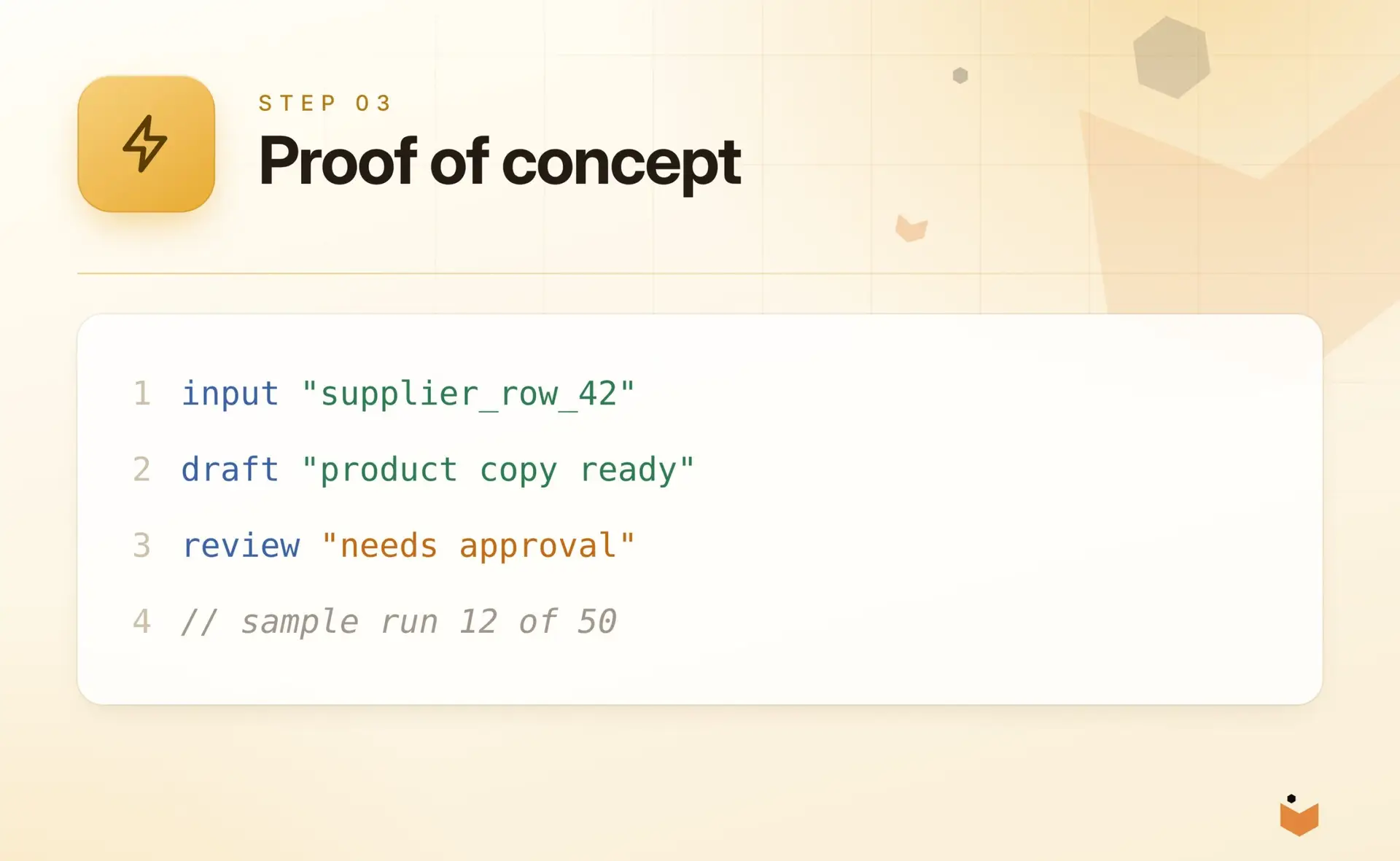
A supplier feed row goes in. A draft product page comes out, with the source data shown beside it. An editor approves, edits or rejects each draft before anything is published.
The same pattern suits catalogue clean-up on Shopify and WooCommerce stores, where thousands of products need consistent copy and attributes. For help getting found in search and AI answer tools, see our SEO and visibility service.
Safeguards
How do you keep AI safe and accountable?
AI output can be wrong. The workflow is designed around that fact, not in spite of it.
Human oversight
Review queues, approvals and the ability to override, built into the workflow.
Security and privacy
Data handling agreed up front, with sensitive data kept out of tools that should not see it.
Measurement
Success measured against a baseline you agree before the build starts.
How projects work
How does an AI or automation project work?
Start small, prove it works, then scale. Each stage ends with a go or no-go decision.
1
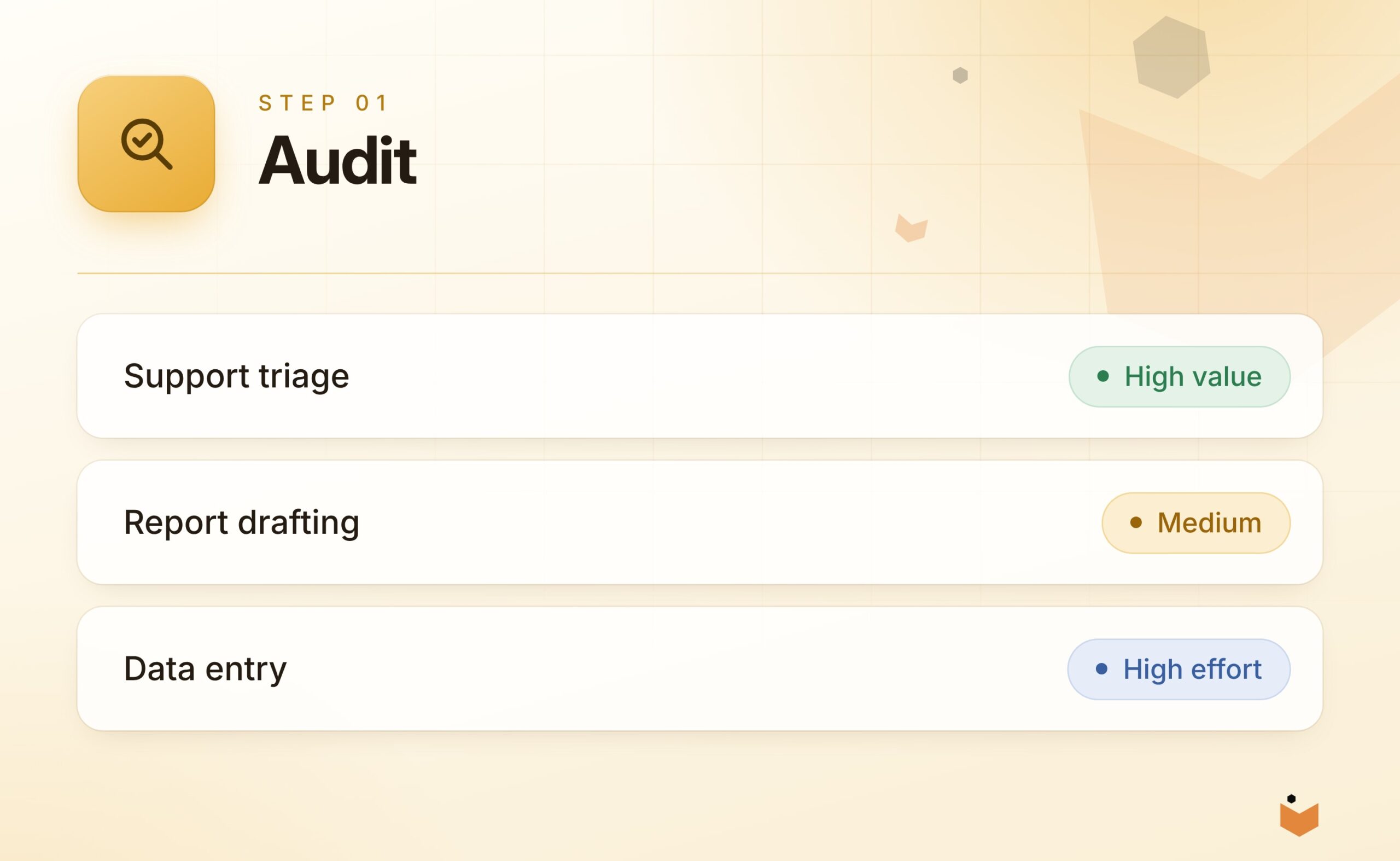
Audit
Find the repetitive jobs and rank them by effort, risk and value.
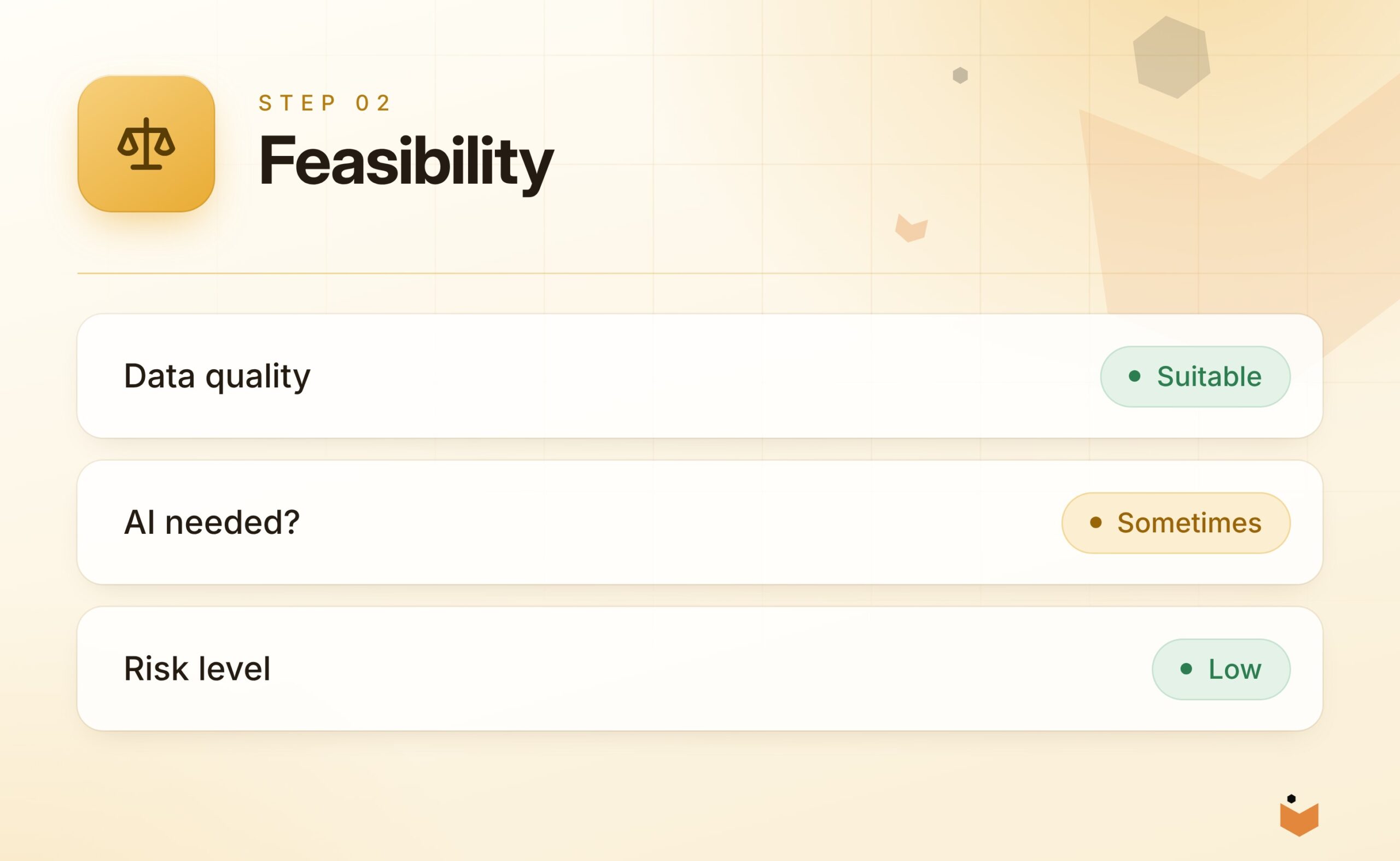
Feasibility
Test whether the data and task are suited to AI or plain automation.
2
3
Proof of concept
A small working version on real samples, reviewed with your team.
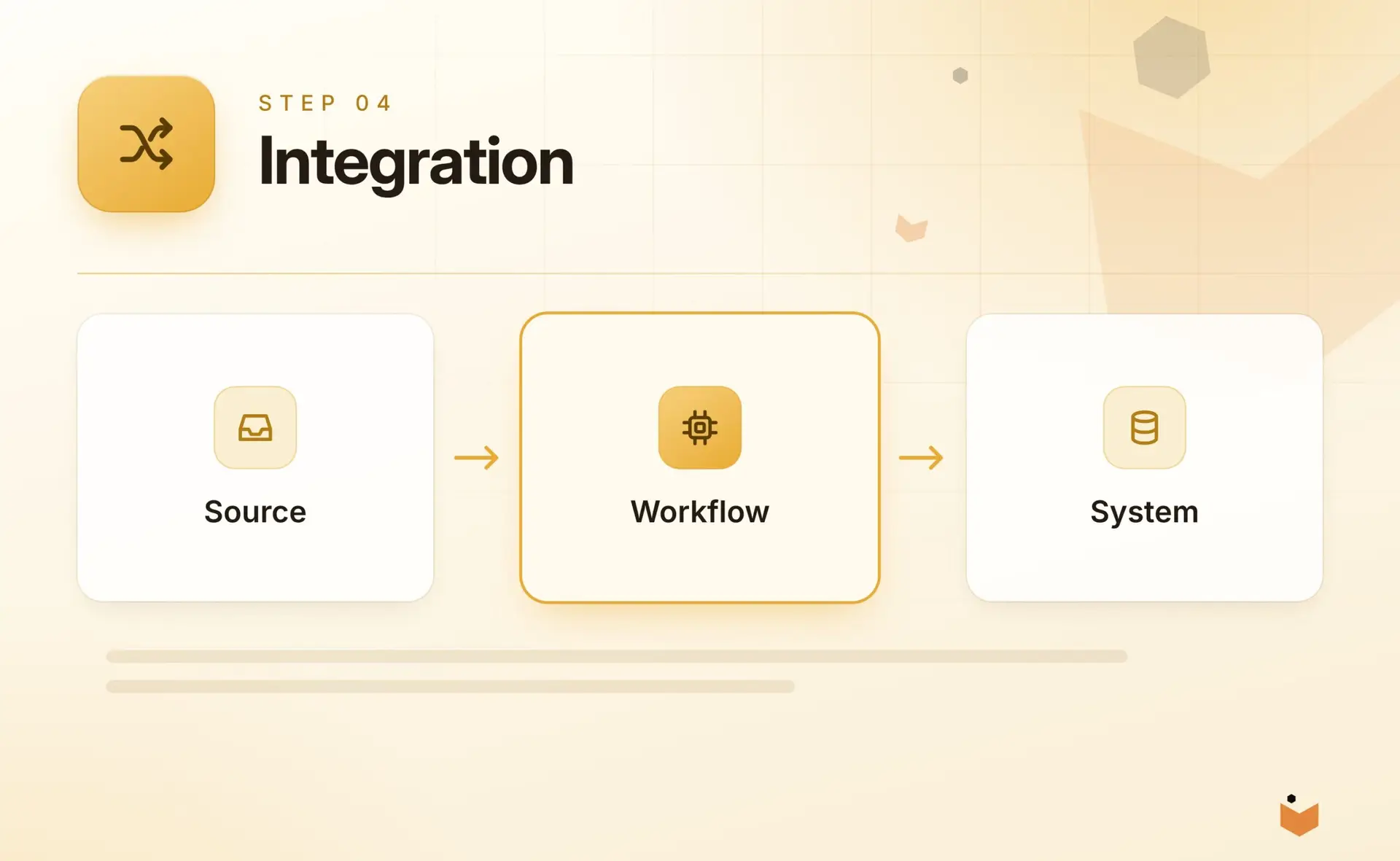
Integration
Connect it to your systems with logging, retries and review steps.
4
5
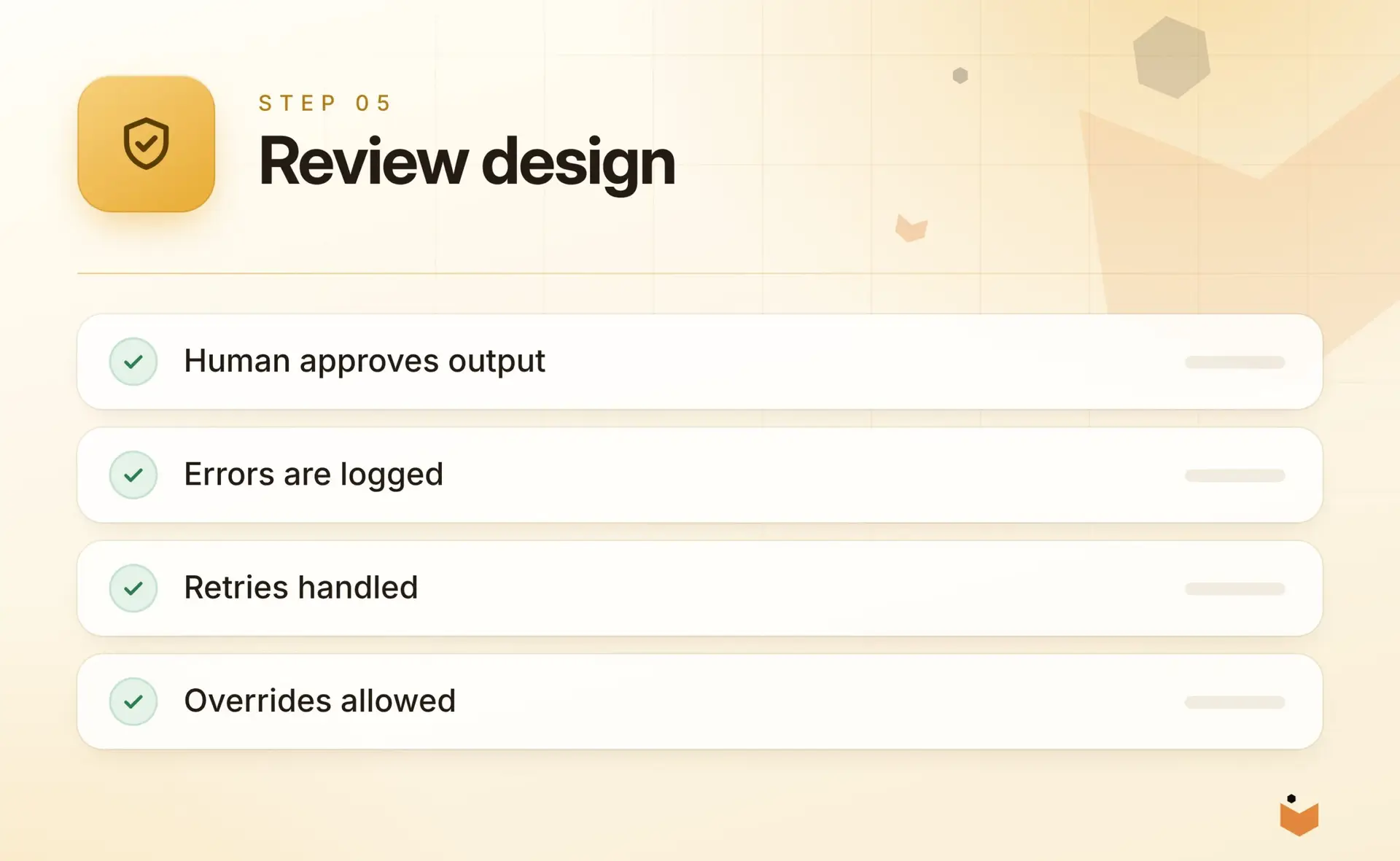
Review design
Define who approves what, and what happens when the output is wrong.
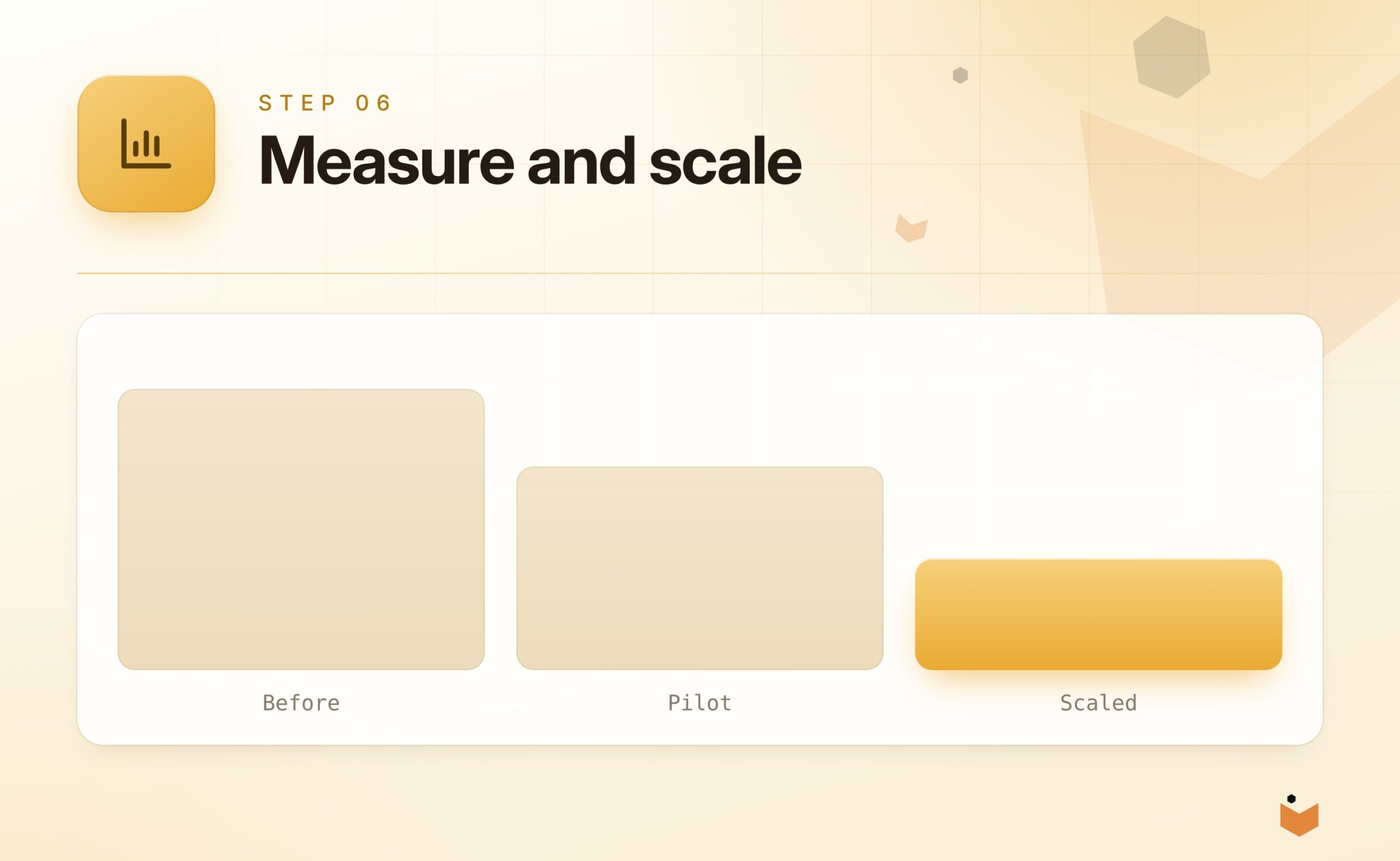
Measure and scale
Compare results with the baseline and decide what to scale.
6
Related services
Where AI and automation fit with the rest of what we do
Integrations & APIs
Connect your website, store, CRM, ERP and accounting tools so data moves without re-keying.
Learn more
Custom Development
Bespoke applications, portals and internal tools where off-the-shelf software does not fit.
Learn more
Ecommerce Development
Catalogues, checkout and order flows engineered for performance on any platform.
Learn more
Development Partnerships
Senior engineering capacity for agencies and in-house teams.
Learn more
FAQs
AI and automation questions, answered
What is the difference between AI and automation?
Automation follows fixed rules you define, so it is cheaper, faster and easier to trust when a task is clear and stable. AI can handle messy, unstructured input and make judgements, but its output needs checking. Many projects combine both, using AI for one step inside an automated workflow.
Will AI replace our staff?
Our aim is to remove repetitive work so people can focus on judgement, relationships and exceptions. Workflows include human review, such as approval queues and the ability to override, so people stay in control of decisions. Some high-risk or rare tasks are best kept manual, and we will say so.
Is it safe to put our business data into AI tools?
It depends on the tool and the data. Before building, we agree what data is used, where it is processed and who can see it, and we keep sensitive data out of services that are not suitable. For specific tasks, private models on your own hardware are another option.
How do you measure whether it is working?
We agree a baseline before the build starts, such as time per task or error rate, and compare results against it after launch. Each project stage ends with a go or no-go decision, so if the numbers do not justify scaling, we say so.
Can you connect AI to our existing systems?
Yes. We connect AI steps to your store, ERP, CRM and helpdesk through APIs, with logging, retries and review steps built in. Automation works best when it can reach your data. See our integrations service for how that connection work is done.
Can we run AI on our own hardware so our data stays in-house?
Yes, for specific tasks. Open-weight models can run on your own machine so documents and customer data stay in-house, but they are less capable than the best cloud models and need suitable hardware. We pilot a defined task first to see whether it is a good fit.
How do we start?
Contact us with a description of the task you want to improve. We usually begin with a short audit to find the repetitive jobs and rank them by effort, risk and value, then build a small proof of concept on real samples before scaling anything.
Discuss an AI or automation project.
Tell us about the task you want to improve. A senior developer will reply with an honest view of what is worth automating.