

Shopify development
Shopify development built around your business.
StudioRav is an award-winning custom ecommerce development agency that builds Shopify stores around how your business actually trades. We develop custom themes and sections, build apps and Shopify Functions, connect stock, ERP and shipping systems, and tune storefront speed. It suits UK retailers and brands that have outgrown a template and need engineering, not another app.

Capabilities
What can StudioRav build on Shopify?
Shopify covers the basics well. We build what sits on top: the theme, the logic and the connections that make the store fit how you sell.
Theme development
Custom Online Store 2.0 themes built to your design system, fast by default.
Custom sections and blocks
Reusable sections your team can configure in the theme editor without a developer.
Apps and Shopify Functions
Custom and private apps, plus Functions for discounts, delivery and checkout rules.
Storefront optimisation
Core Web Vitals work, script clean-up and image strategy for faster product and collection pages.
International and multi-store
Markets, languages, currencies and multi-store setups that stay manageable.
Integrations
Stock, ERP, CRM, shipping and marketing tools connected to the store.
Need the wider picture? See our ecommerce development work, or how we integrate Shopify with your ERP, CRM and shipping tools.

Themes and sections
How do custom Shopify themes and sections work?
We build the theme as a set of configurable sections, so merchandisers change layouts, content and promotions in the editor while the code underneath stays clean, versioned and reviewed.
Sections and blocks designed around your merchandising, not a generic template
Theme code in version control with staging and preview themes
Metafields and metaobjects for structured product content
Accessibility and performance checked before every release
Operations
Can Shopify handle stock, preorders and wholesale?
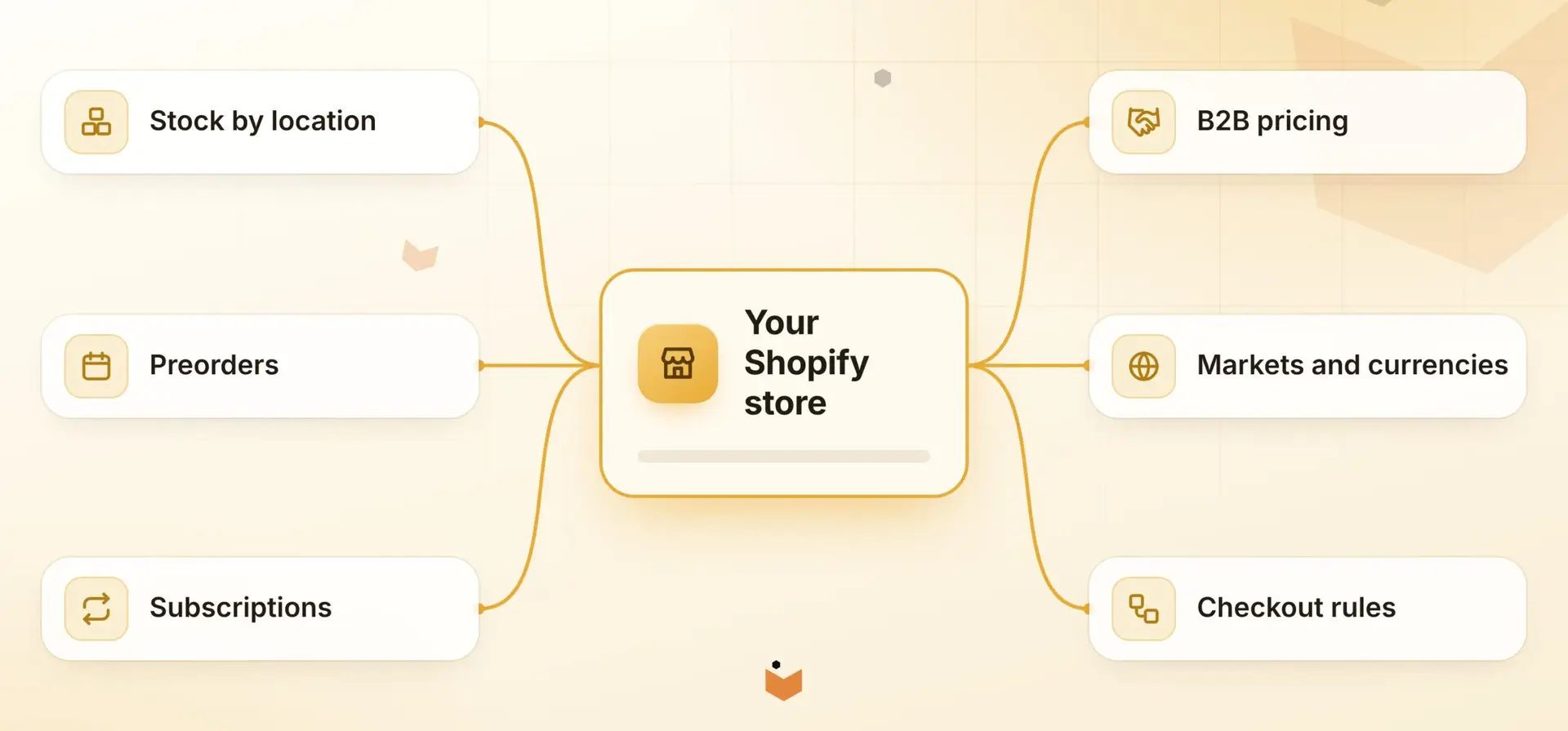
Yes, with the right engineering. Shopify is the storefront; we connect it to the systems that run the rest of the business so inventory, pricing and orders stay consistent.
Stock and locations
Location-aware availability, reservations and stock rules that follow your warehouse reality.
Preorders and subscriptions
Preorder messaging, pay-later flows and subscription logic that match how you sell.
B2B and wholesale
Company accounts, price lists, quantity rules and ordering flows for trade customers.
The data side matters as much as the storefront. Read how we connect your systems with APIs and webhooks and where AI and automation can remove manual catalogue work.
How projects work
How does a Shopify project work?
Five stages, each reviewed with you before the next begins. You see working software early, not a big reveal at the end.
1
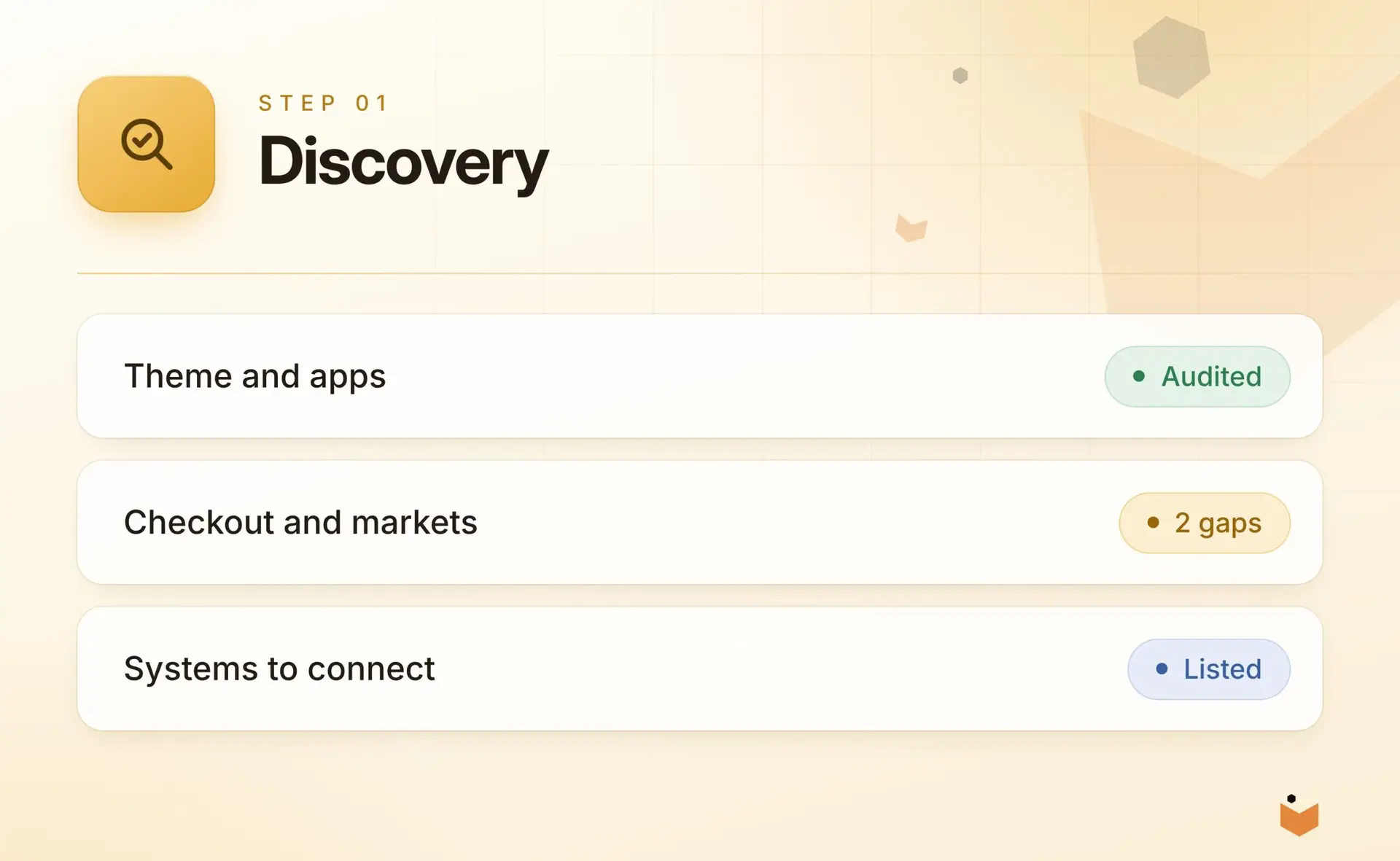
Discovery
We learn how you trade, what the current store gets wrong and which systems it must talk to.
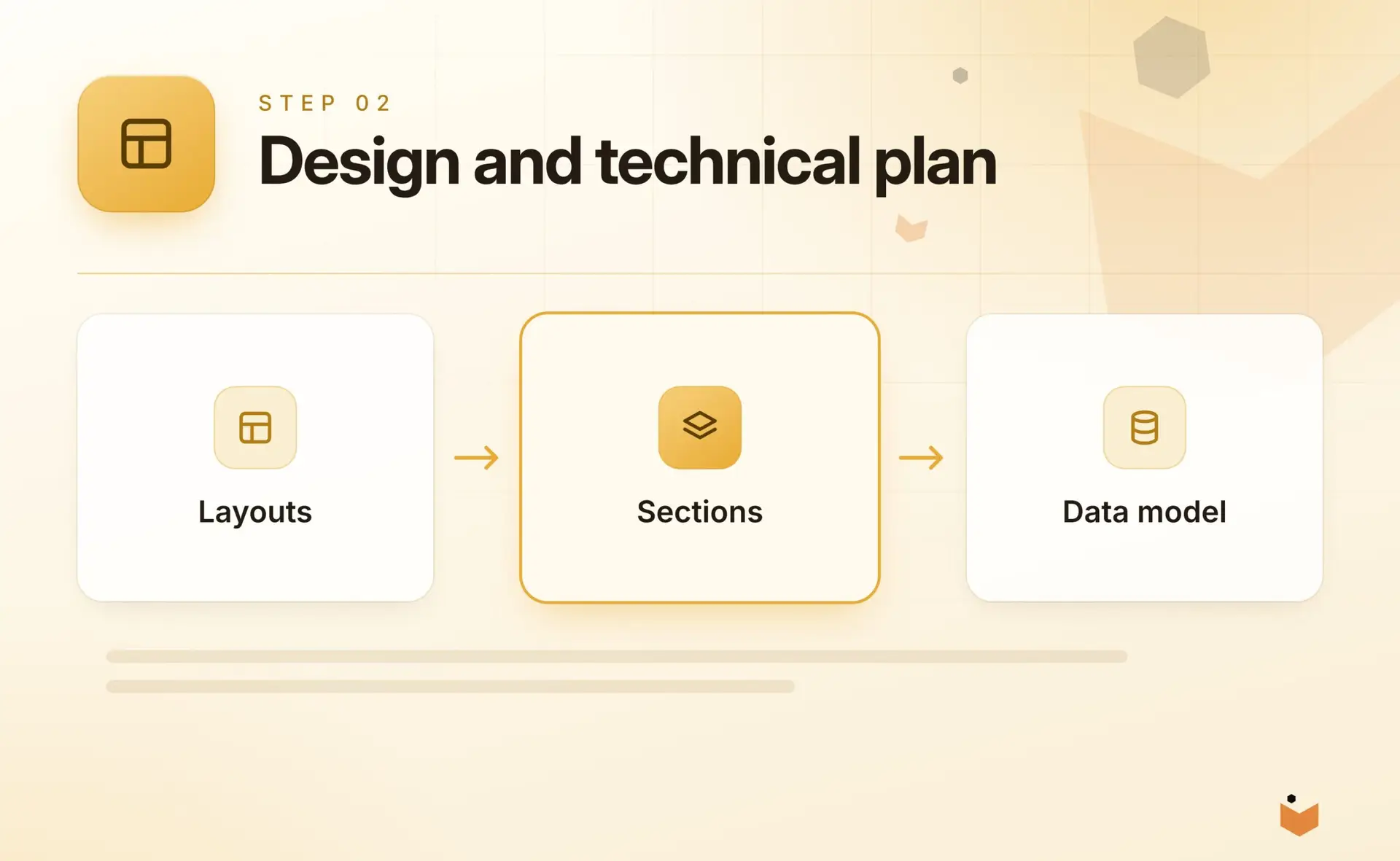
Design and technical plan
Layouts, section library, data model and integration approach agreed before build starts.
2
3
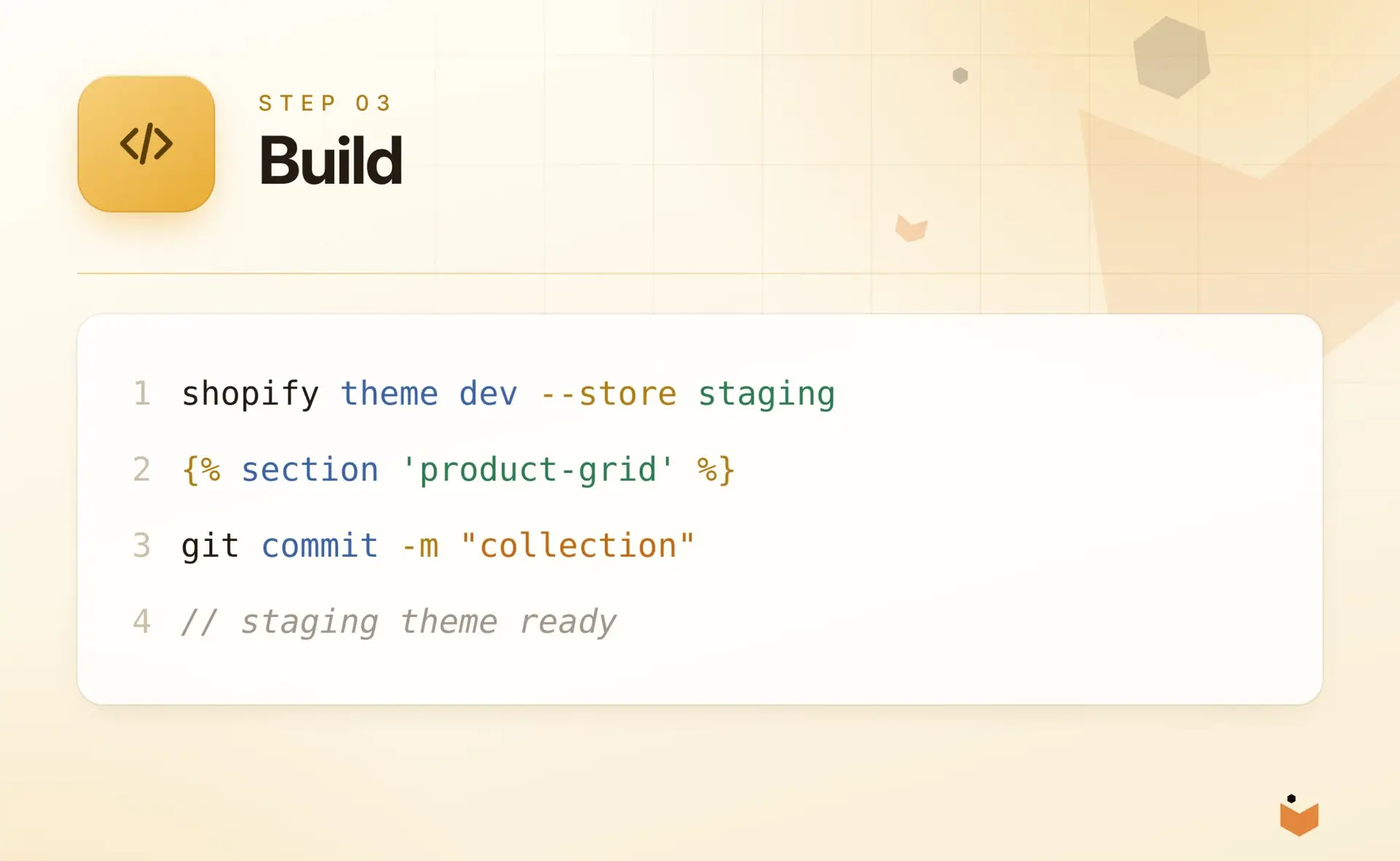
Build
Development on a staging theme in reviewable stages, with version control throughout.
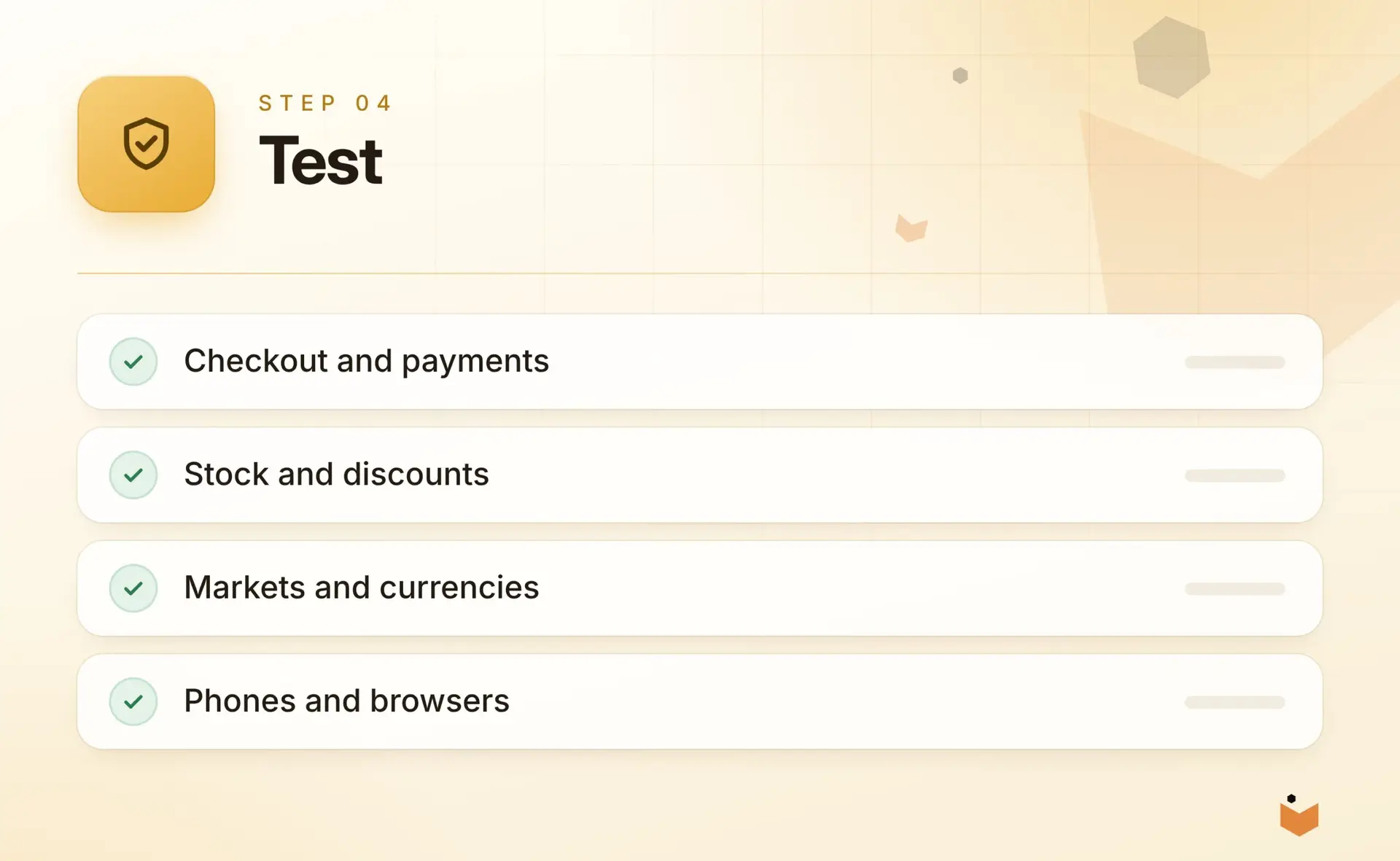
Test
Checkout, stock, discounts, markets and devices tested against real scenarios.
4
5
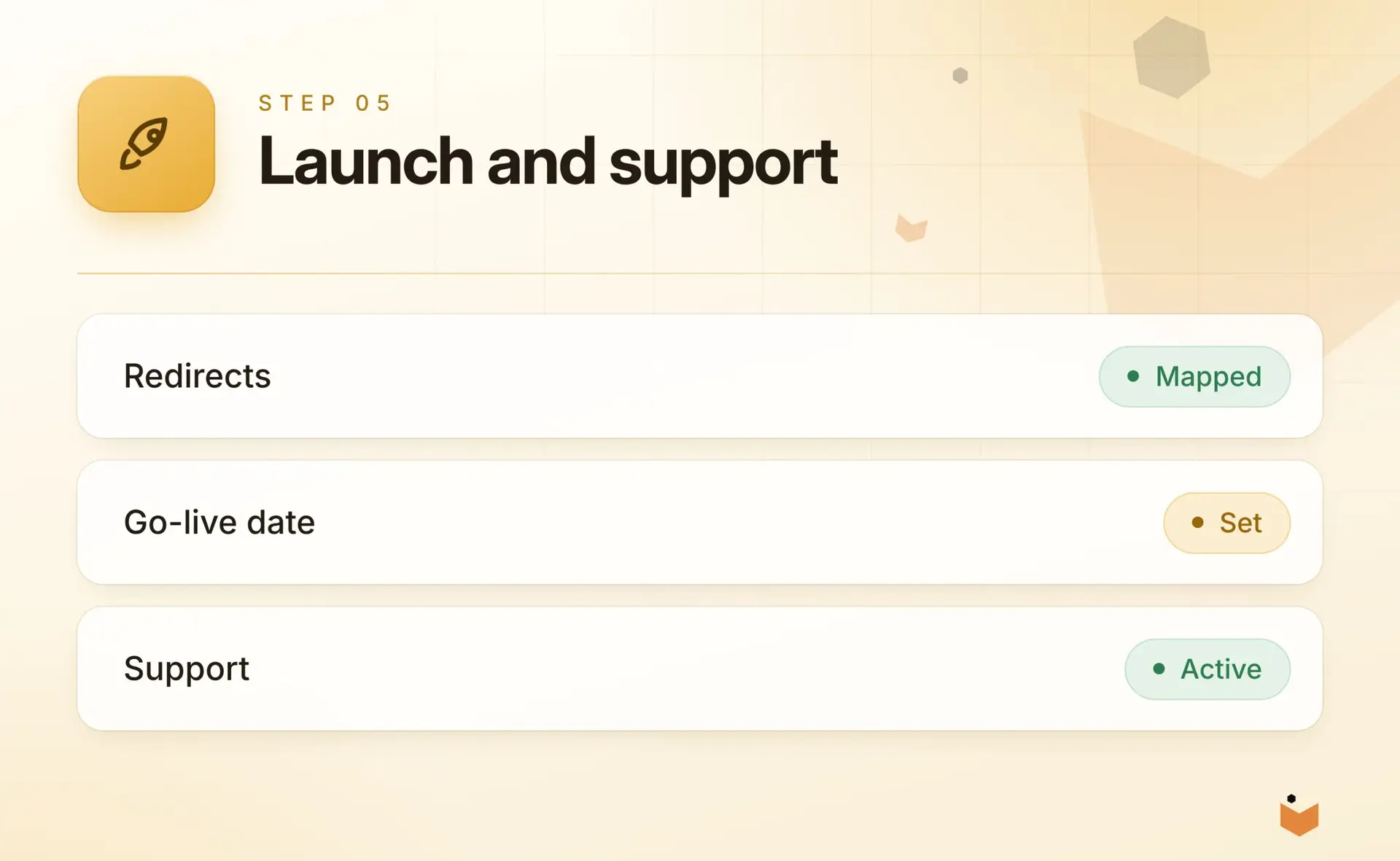
Launch and support
A planned release with redirects and monitoring, then support and further development.
Related services
Where Shopify fits with the rest of what we do
Ecommerce Development
Catalogues, checkout and order flows engineered for performance on any platform.
Learn more
Integrations & APIs
Connect your website, store, CRM, ERP and accounting tools so data moves without re-keying.
Learn more
Email Marketing
Lifecycle and campaign email built around your store and customer data.
Learn more
Development Partnerships
Senior engineering capacity for agencies and in-house teams.
Learn more
FAQs
Shopify development questions, answered
What does a Shopify developer do that an app cannot?
A developer builds the theme, custom sections, logic and integrations that apps do not cover, and removes the script weight that stacked apps add. The result is a faster store that behaves the way your business does, with theme code kept in version control and checked for accessibility and performance before every release.
Can you customise our existing Shopify theme?
Yes. We review the current theme and apps first, then decide whether to extend it, refactor parts or rebuild on Online Store 2.0. We work on a duplicate staging theme, so your live store is not affected, and you review changes in stages before anything goes live.
Do you build custom Shopify apps and Functions?
Yes. We build custom and private apps, and Shopify Functions for discount, delivery and checkout rules. We only recommend a custom app where an existing one would not fit properly, because fewer apps usually means less script weight and a faster store.
Can you connect Shopify to our ERP or stock system?
Yes. We connect Shopify to ERP, inventory, CRM, accounting and shipping tools, with data mapping and error handling agreed up front, so inventory, pricing and orders stay consistent. See our integrations and API work for how those connections are built and monitored.
Can you help with international selling on Shopify?
Yes. We set up markets, languages, currencies, domains and multi-store setups that stay manageable, and handle the theme and integration changes that international selling needs. Checkout, stock, discounts and markets are tested against real scenarios before launch. We also tune storefront speed, so product and collection pages stay quick.
How do we start a Shopify project with StudioRav?
Contact us with a short description of the store and the problem. A senior developer will reply with questions and suggested next steps, usually starting with a scoping call. The project then runs in five reviewed stages, so you see working software early, not a big reveal at the end.
Talk to a Shopify developer.
Tell us about the store, the problem and the outcome you want. A senior developer will reply with honest next steps.